Versions and undo
Undo a change, save a snapshot, or bring back an earlier version.
Undo and redo
Press Undo and Redo in the header, or Ctrl+Z and Ctrl+Shift+Z (or Ctrl+Y). Every chat change can be undone too.
Versions
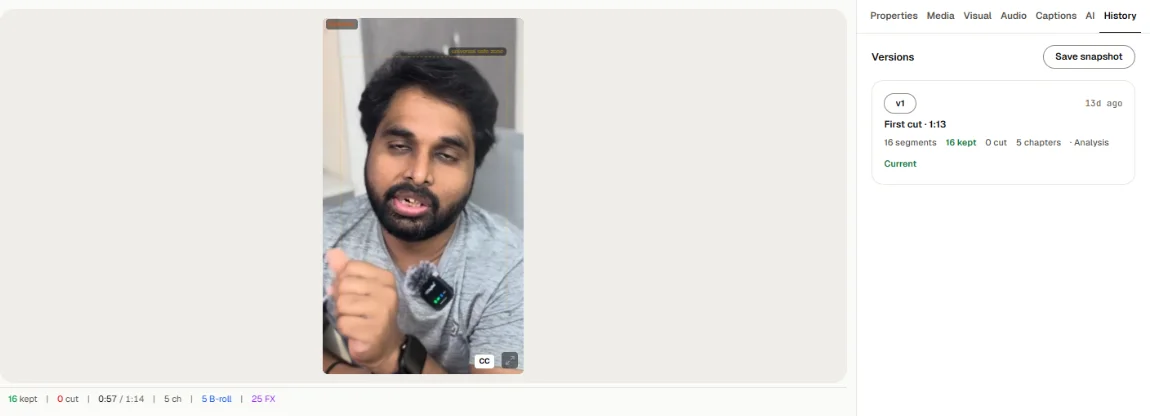
Toast keeps versions of your edit. They show as chips in the header (v1, v2, v3…) and under History → History in Precision mode, titled Versions.
- Save snapshot saves the edit as it is now.
- Bring back on an older version brings it back as a new version, for example "Bringing back v2 as v6". Nothing is lost: the newer versions stay.
- Current marks the version you are editing.
Where your edit is saved
Your project is saved in this browser as you work (Saved in the header). Clearing this browser's site data deletes projects stored in it. See Settings → Local Storage for how many projects this browser holds.