A series from a document
Turn a long document into one animated video per chapter, in one look.
A long document can become a series: one animated video per chapter, all in the same look.
Steps
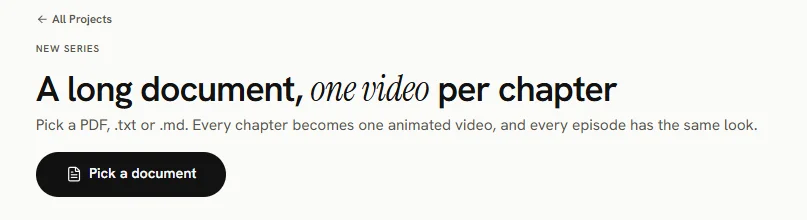
- On the animated video start screen, under A document or PDF, press A long document? One video per chapter.
- Press Pick a document and choose a PDF, .txt or .md file. It is read on your device and split into chapters.
- Untick anything that is not a chapter, and rename titles if you like.
- Set the Series title, the Shape, how long Each episode should be, and Music under the narration.
- Press Create the series.
Episodes
Each chapter has a button Make this episode (about …) with its price. Episodes are made one at a time. The first episode sets the look for the rest. A finished episode has Watch and Make it again.
The chapters' text is kept only in the browser where you made the series. On another computer or browser, press Pick the document again to make episodes there.
Spending limit
Set a Spending limit for the series (in credits) and press Save limit. Once the series has spent its limit, raise it to make more episodes.
Delete
Press Delete the series, then confirm.