Sign up
Create a Toast account with Google or your email.
- Go to toast.video and press Try Free (top right) or Start editing free.
- Press Continue with Google. Or type your First name, Last name, Email and Password, then press Create account.
- If you used email, Toast sends you a code. Type it and press Verify email. Resend code sends another; Change email goes back to fix the address.
Toast doesn't accept email addresses with a + in them, or throwaway addresses. Use your regular email address.
Already have an account? Sign in with the same button. Forgot password? lets you set a new one.
You land on Home. A new account starts with a free amount in its wallet, once. No card is needed. See Settings › Wallet and toast.video/pricing.
Until you add money for the first time, your videos carry a small toast.video mark. See Watermark and sharing.
Use a laptop or desktop
Use a desktop computer with Chrome, Edge or Firefox for the full editing experience: talking-head and story videos are made in the browser. You can check on property, event and animated videos from a phone.
Your account
The top bar has Home, All Projects, Library, your balance, Help (the book icon, which opens these docs) and Settings (the gear). On a phone the same places are in a bar at the bottom.
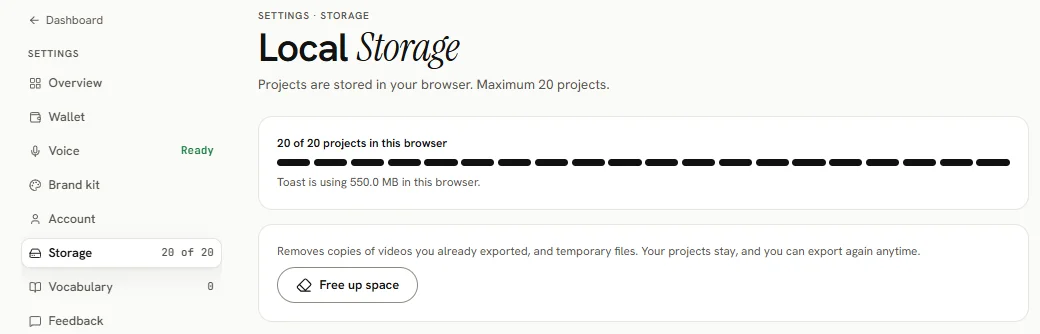
Settings has these sections:
- Overview: everything at a glance
- Wallet: your balance, Add money and the history
- Voice: narrate story videos in your own voice
- Account: Export my data and Delete account
- Storage: talking-head projects stored in this browser (up to 20)
- Vocabulary: names, product terms and jargon, so transcription spells them right
- Feedback: tell us about a bug or an idea