AI Reasoning
See why the AI cut each part of your video.
Open AI → AI Reasoning in Precision mode to see each cut the AI made and why.
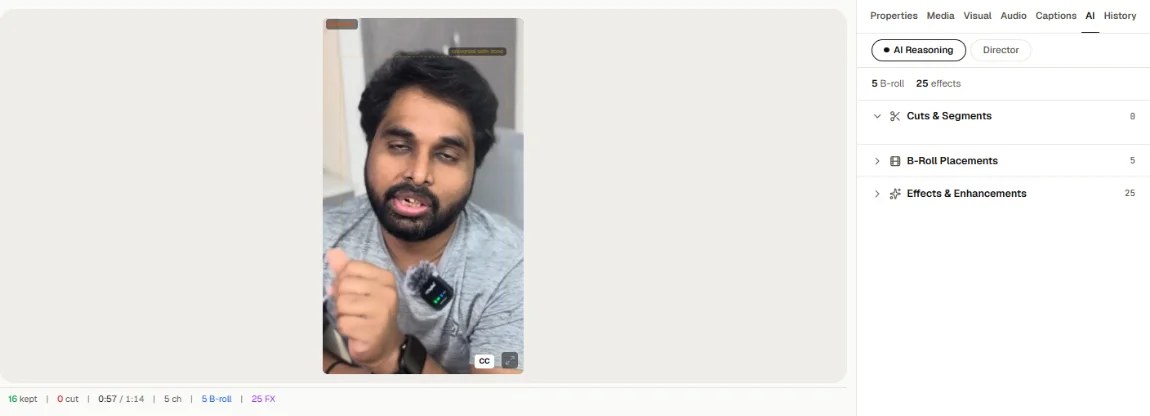
Each cut is tagged with its reason:
- Filler: "um", "uh" and similar
- Silence: a long pause
- Repetition: something you said again
- Off-topic: a part that strays from the subject
Disagree with a cut? Restore it in the script, or ask the chat.